Introduction to ProSelect
ProSelect is a comprehensive image presentation and sales software specifically designed to enhance the client experience for professional photographers. It streamlines the process of showcasing and selecting images, allowing photographers to efficiently present their work in a visually appealing format.
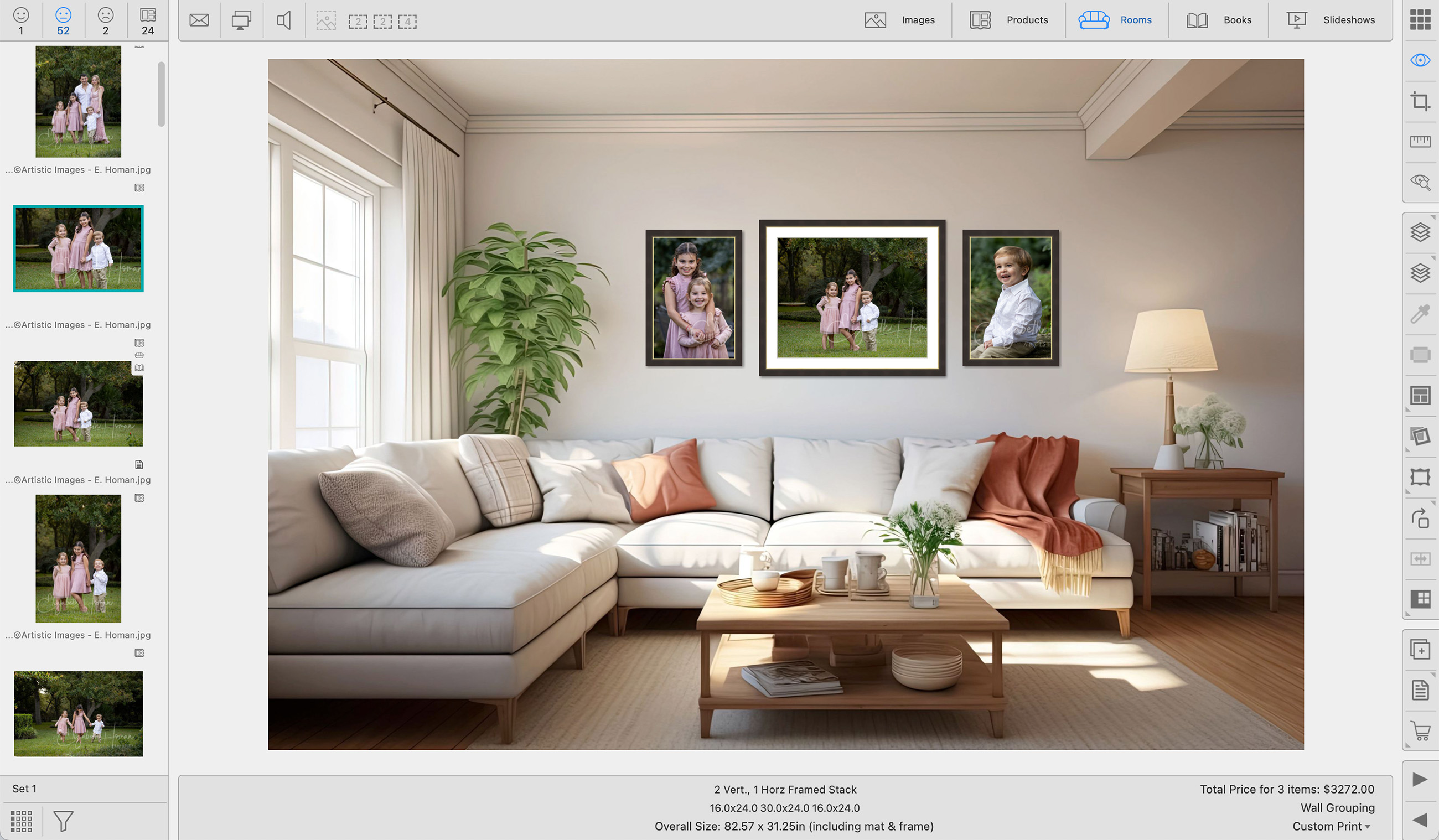
 Image Selection & Display
- Yes, Maybe, No selection or star rating system
- Side-by-side image comparison
- Zoom and pan across one or more images
- Mark “favorites” with a custom stamp
- Display a protective watermark for remote presentations
- Display on dual screens (Presentation Mode)
 Slideshows & Videos
- Built-in slideshow creator with music
- Add title slides and video clips*
- Export movie files of your slideshows with/without a copyright stamp
 Editing & Effects
- Instantly apply Black & White or Tint Effects
- High or low-key vignette tool
- Smart Pretouching and Photoshop Action integration
- Open and edit original or RAW files in external editors (Photoshop, Lightroom, etc.)
 Products & Rooms
- Download curated Supplier Collections from your favorite labs and frame suppliers
- Design your own multi-image product templates and Gallery Wrap Canvases using the Product Editor
- Easily apply frames, mats, and virtual styles to your products
- Upsize and downsize prints and products with a button click
- Design Wall Galleries consisting of a mix of prints and gallery wraps, framed or unframed
- Create custom-colored virtual styles and gallery wrap edges using the color picker tool
- Use a projector or TV to showcase prints and products at actual size
- Project designs to scale using room backgrounds (studio rooms, or client rooms via SendMyRooms™)
- Add logos and watermarks to exported images
- Use Reference Products for a visual reference of an orderable product, such as an image box
- Support for transparency (Photoshop PSD)
 Books & Proofing
- Fast book design and export*
- Print proof sheets and product proofs
 Sales Tools & Pricing
- Up to 10 customizable price lists
- Manage your prices using the Product & Pricing Manager
- Import and update your prices using spreadsheets
- Combine products (template + mat + frame) into price list items
- Automatically calculate prices by size (frames & extras)
- Tax and multi-tax support
- Print Order Reports/Invoices with thumbnails and studio branding
- Record orders for an unlimited number of clients for each job
 File Management & Workflow
- All job/session data is stored in a single Album file (.psa)
- Original images are never altered
- Automatic import from Watch Folder when shooting tethered*
- Output final high-resolution images and book pages for upload to a lab*
- Export low-res promotional images for email/web
- Add notes to images, products, clients, and orders
 Integrations
- Integrates with StudioCloud (a free studio management system)
- Export data to many other management software programs
*ProSelect Pro required

The ProSelect Facebook group is a portal for ProSelect users to learn, share, and educate one another, in order to increase their sales and profitability.
- Click on ProSelect Facebook User Group to view the page.
- Once you request and are approved for the group, please review the group guidelines.
- The Facebook group does not handle technical support issues. For those, you need to submit a support ticket request to ProStudioSoftware.com.
The Pro Studio Software website features a comprehensive selection of training videos that cover various aspects of using ProSelect.
- These videos are frequently updated and referenced throughout the Online Help Guide to assist users in navigating the software efficiently.
- Many training videos are accompanied by a PDF support document, allowing users to easily follow along or reference them later.
- To access these resources, click on Training Videos.