Product Template Types
When selecting a template for a product, refer to the following attributes chart to ensure the chosen product template aligns with the specific characteristics and requirements of the product.
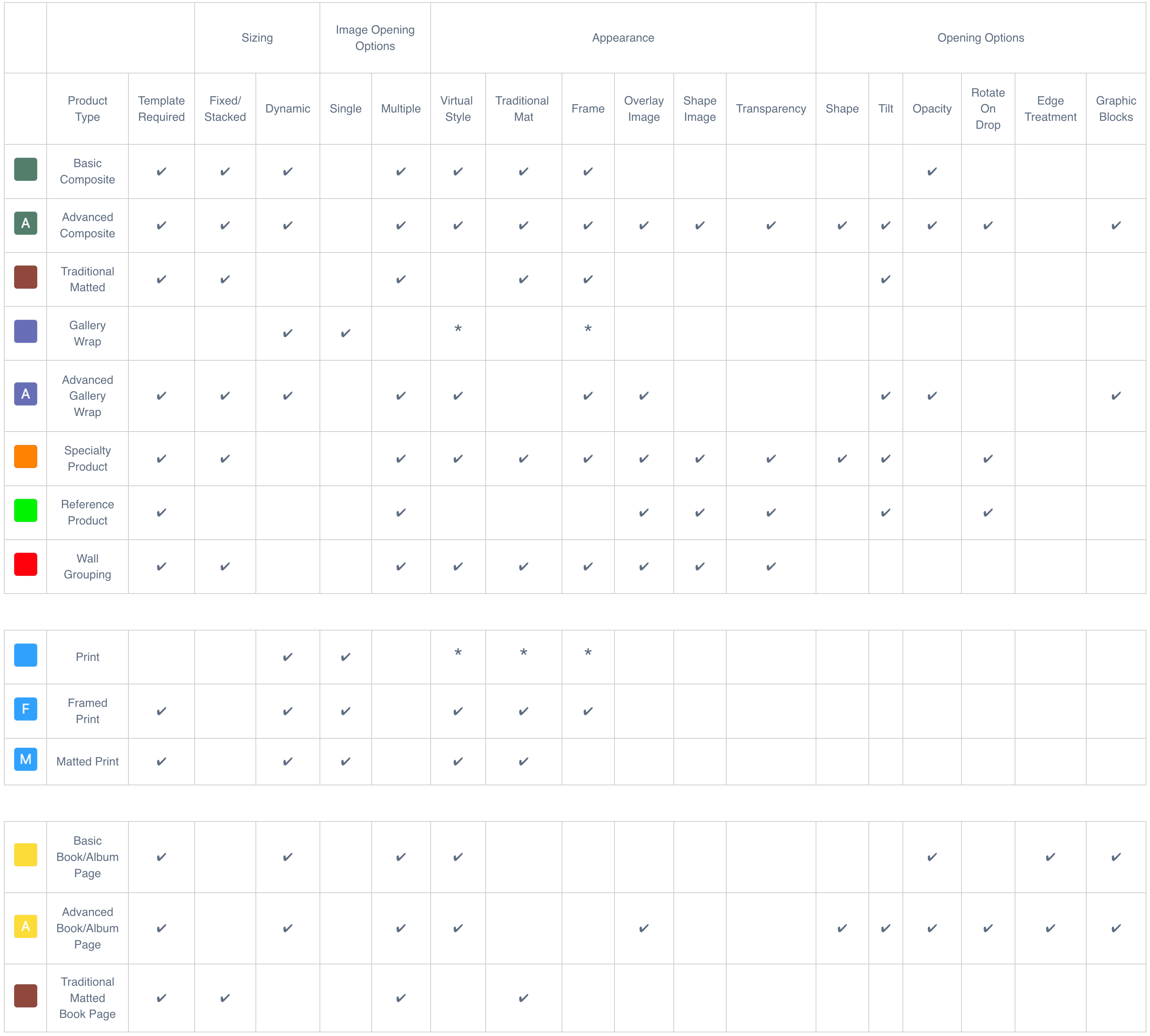
* This particular attribute can be added when Working with Products, but not in the Product Editor.
Overlap
Sometimes, when producing product templates, there may be an overlap between two different template types, both capable of creating the same product with equally effective results. This overlap allows for flexibility in choosing how to best achieve the desired outcome based on your specific preferences or available resources.
A good example is the Geometric D4 ornament from WHCC. The Product Template for the ornament can be created as an Advanced Composite Product  or a Specialty Product
  .
.
Attributes required:
- Virtual Style
- Overlay Image
- Shape Image
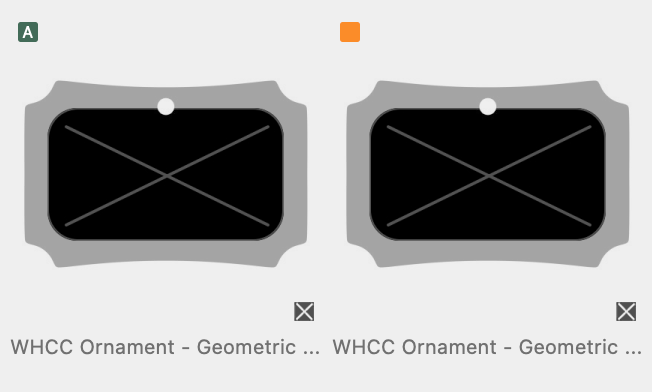
Both template types have the necessary attributes.

To manage and edit your Book/Album Pages, use the Book Page Manager (on the top menu, under Products).