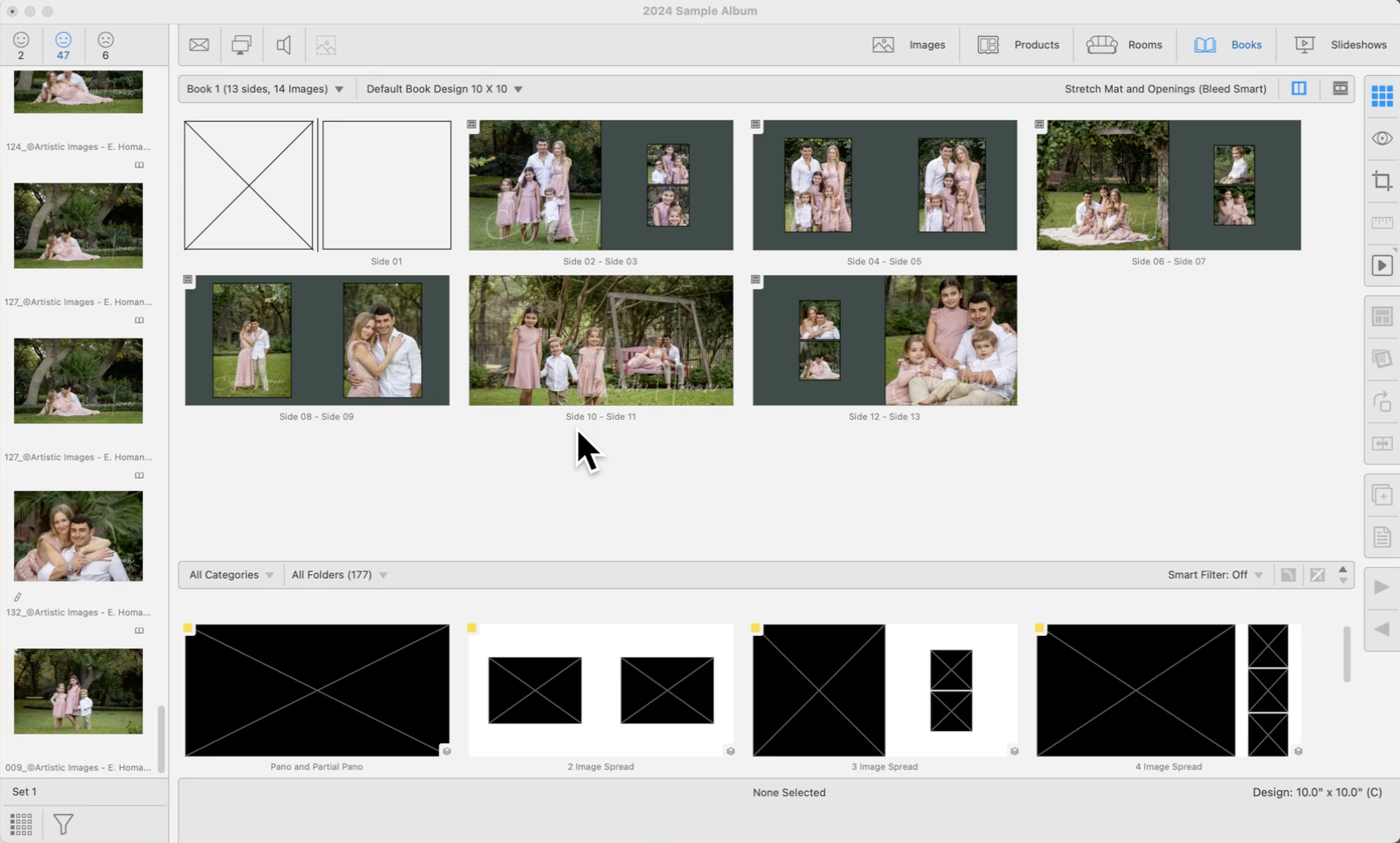
Using Stacked Page Templates
Stacked sizing allows loading and populating multiple page layouts simultaneously. Each page template within a stack is treated as a separate layer. These templates are initially created as individual items and later combined to form a stack. While a template stack might appear as a single entity, the presence of a stack tag signifies that it comprises multiple layered items.
In the example below, a "3 Image Spread" page template was dragged into the display area. Right-clicking on the Previous  and Next
  stack tools reveals all the different page templates within that stack.
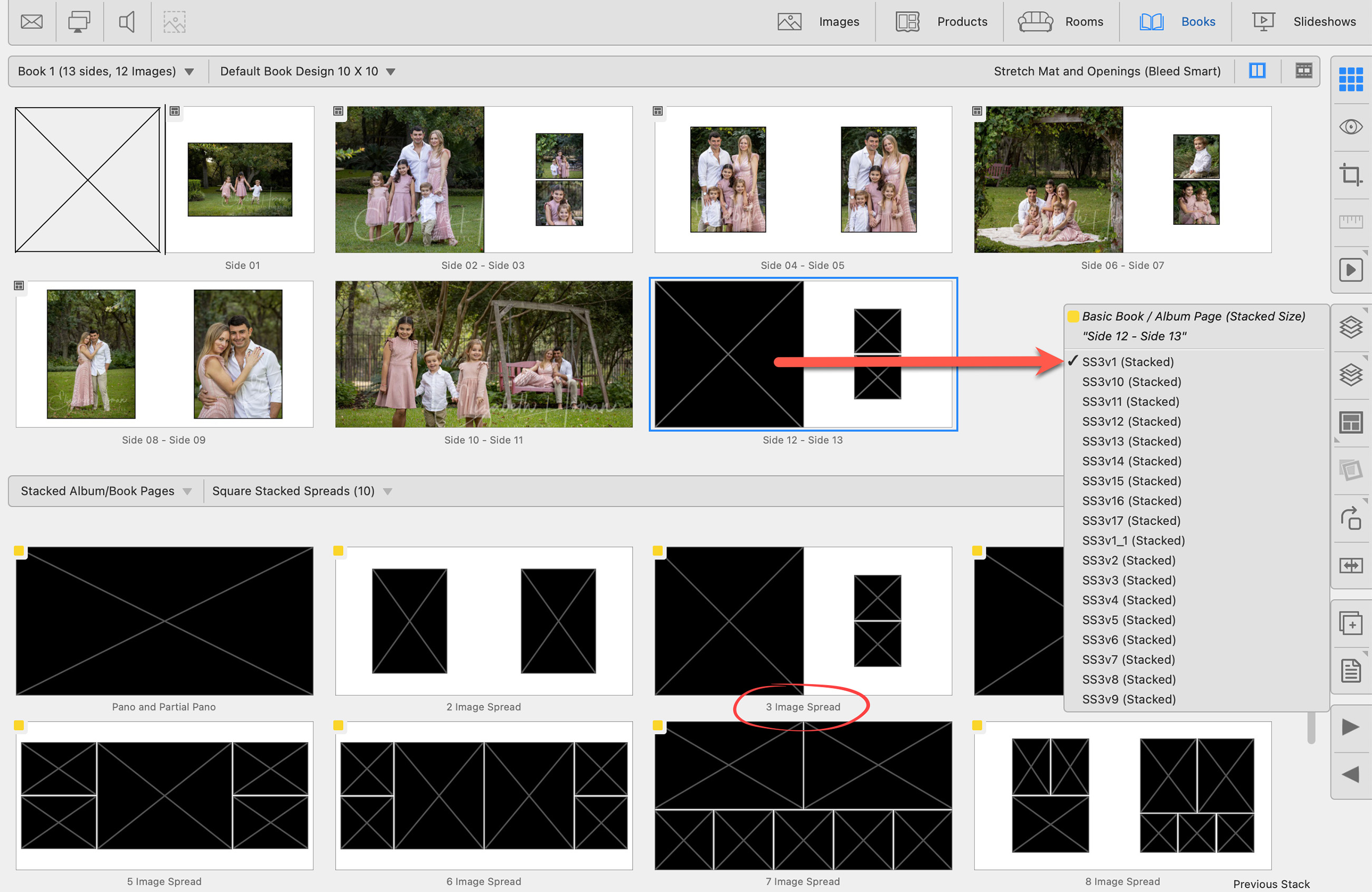

When using stacked page templates, the various stacked sizing options created can be viewed using up and down arrow keys, or the Previous/Next Stack tools . This allows you to cycle through the different page layout options available.