When Things Go Wrong
Like any software, ProSelect may occasionally encounter a bug or unexpected behavior. To help diagnose and fix these issues, ProSelect includes a built-in system that lets you send diagnostic data directly to the support team at Pro Studio Software.
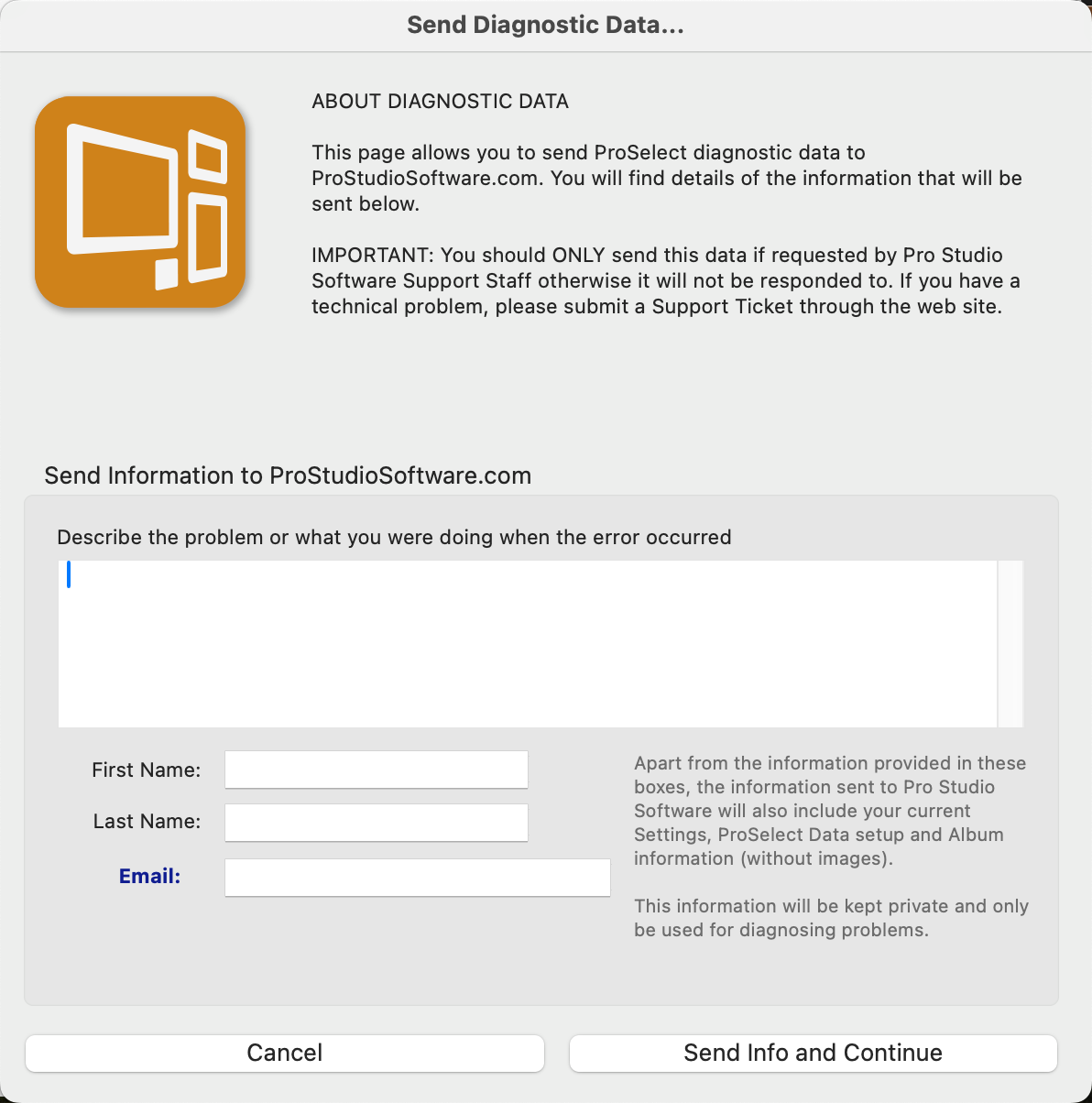
If an error occurs, or if you choose "Send Diagnostic Data" from the Help menu, a screen will appear allowing you to submit helpful information. Your computer must be connected to the internet to use this feature, and we strongly recommend making sure you're running the latest version of ProSelect first, as the issue may have already been resolved.
What Gets Sent
- Your name and email (optional, but helpful for follow-up)
- ProSelect version and subscription details
- Your computer’s OS and system specs
- ProSelect Settings, Pricing, and Template Data
- Data from your currently open album (no images included)
All data sent is strictly for diagnostic use and will be deleted once it is no longer needed. This system allows the support team to assist you more quickly and effectively.