Apply a Frame, Mat, or Virtual Style to a Product
Frames, Mats, and Virtual Styles are applied to a product using the tools on the toolbar. This can be done in Working with Images (Actual Size view), Working with Products, or Working with Rooms.
 - Frame. Learn more About Frames
 - Mat. Learn more About Mats
 - Virtual Style. Learn more About Virtual Styles
Steps
- Select the product.
- Click on the toolbar tools to reveal the frame, mat, or virtual style options.
- Many of these options are grouped in folders. Click on the drop-down arrows to reveal the items within the folders.
- Select a frame, mat, or virtual style from the list.
- Your selected frame, mat, or virtual style will be listed in the bottom left corner of the Info Bar.
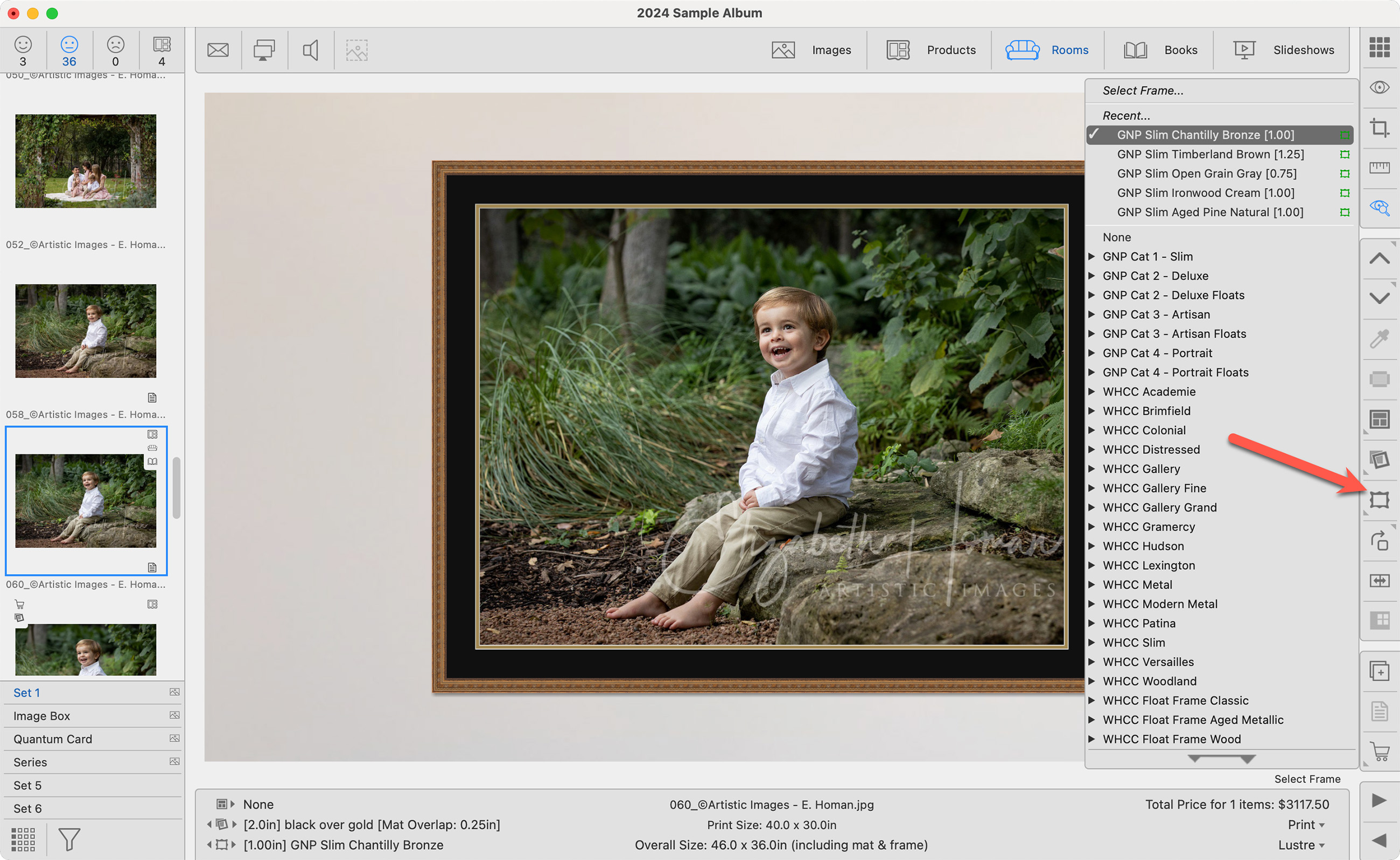
- To remove a frame, mat, or virtual style, click on the toolbar tool and select "None."