Bottom Bar
The information in the Bottom Bar directly relates to the options you have selected in the Main Editing Area.
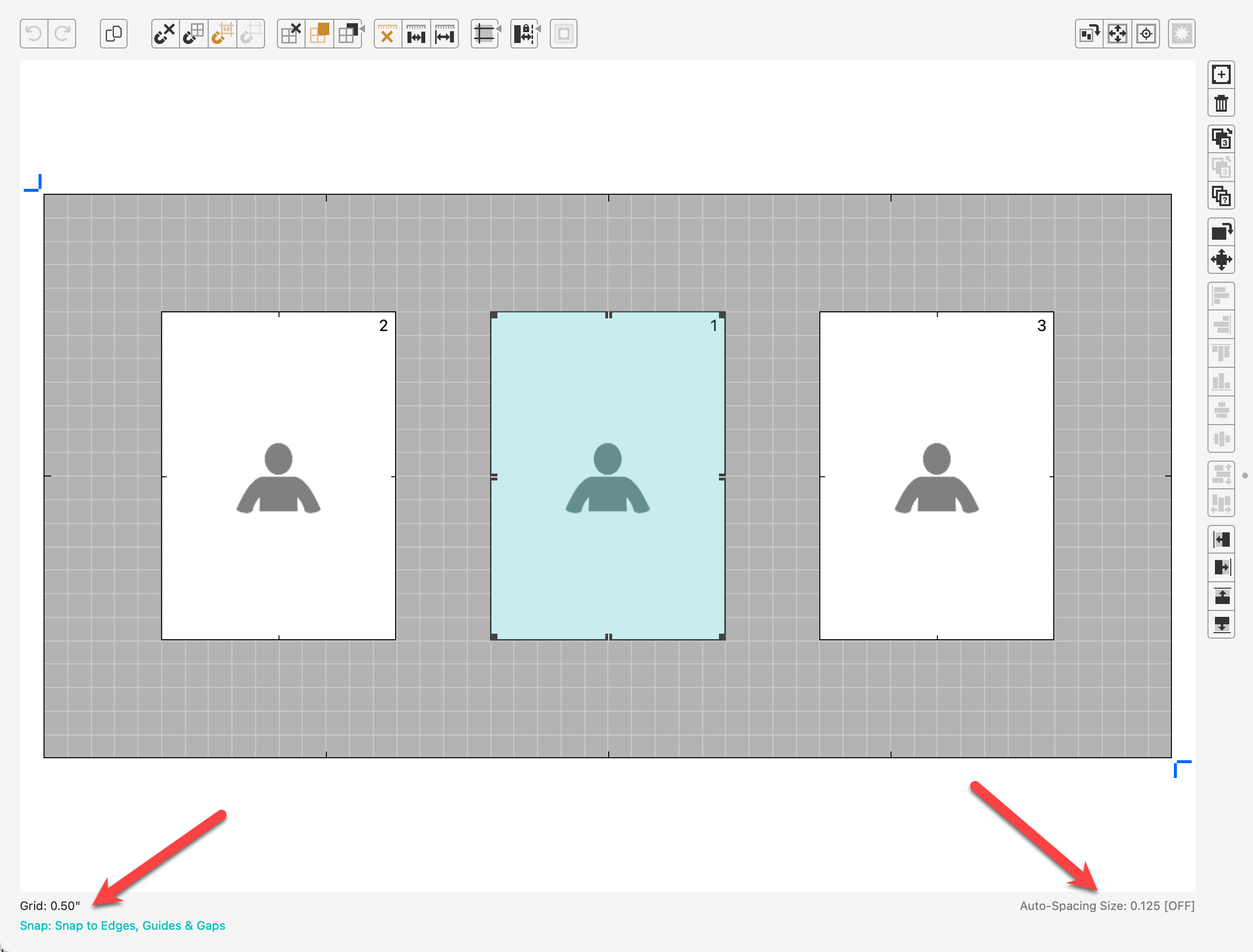
- Grid: This area will show you if you have the grid turned on or off. It will also list the grid spacing size if turned on.
- Snap: If you have snapping turned on, the snap option selected will appear here.
- Auto-Spacing Size: If you have Auto-Spacing turned on, the auto-space size will be shown here.